

DHT20 Temperature & Humidity Sensor - I2C, 3.3V or 5V, 4-Pin
4 payments of $1.24 with 
Taken from this product's published details. If something is not listed here, it has not been verified.
Answers use this product's information and the store's details. If it cannot be confirmed, it will point you to our team.
Any language. Press Enter to ask
4 payments of $1.24 with
Bundle idea: this item plus 2 recommended accessory/accessories, $13.12 in total. Add each item to the cart below.
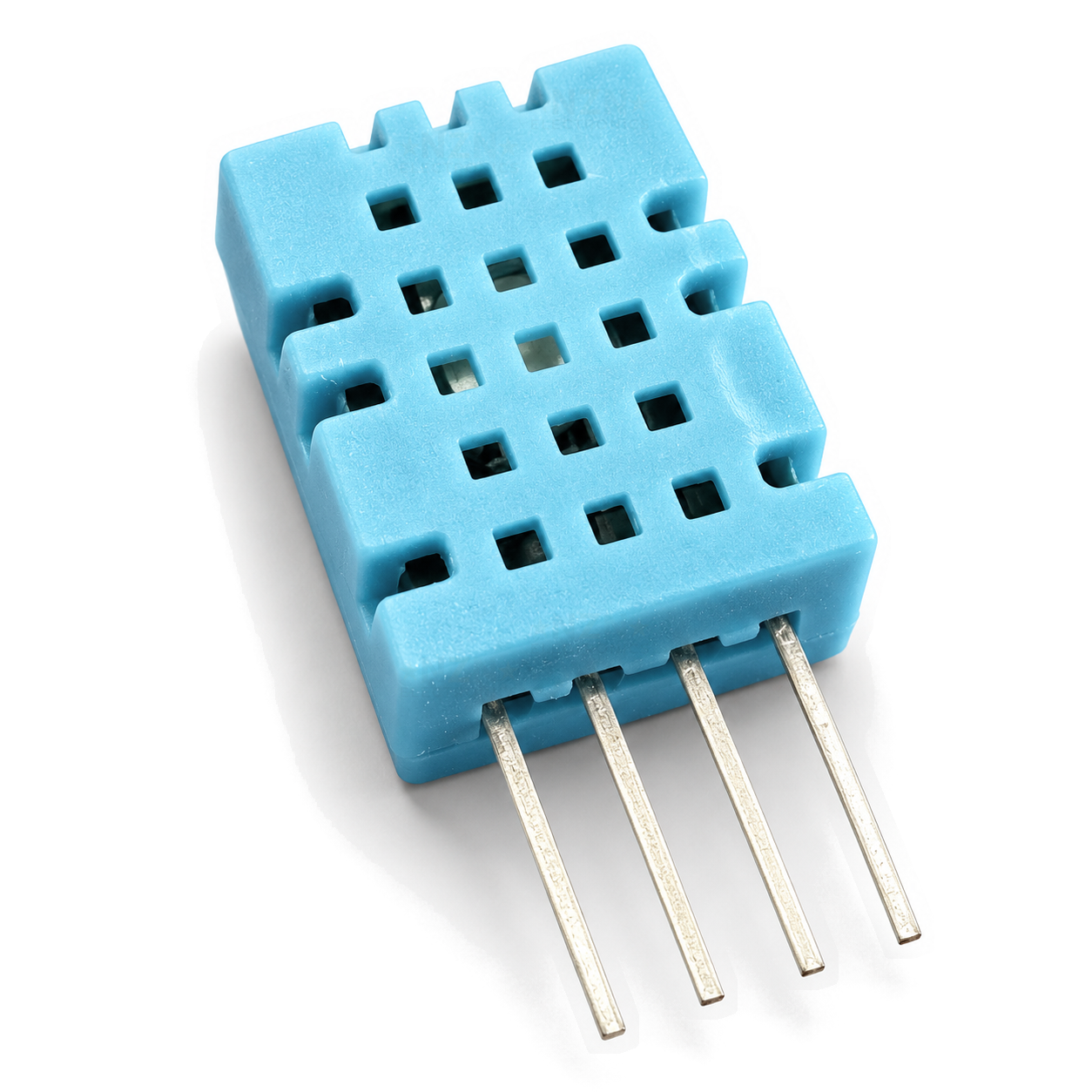
A bare DHT11 temperature and humidity sensor with 4 pins at 2.54 mm, so it fits a breadboard, stripboard or your own PCB. It sends both readings over one data wire to an Arduino, ESP32 or Raspberry Pi, on 3.3V or 5V. As a bare part it needs a pull-up resistor on the DATA pin, and pin 3 is not connected.
Loose sensor in an anti-static bag. The pull-up resistor and wires are not included.
Hold the sensor with the grille towards you and the leads pointing down. From left to right the pins are 1 VCC, 2 DATA, 3 NC and 4 GND. Pin 3 is not connected inside, so leave it free.
Connect VCC to 5V on an Arduino Uno or Nano, or to 3.3V on an ESP32 or Raspberry Pi, and GND to GND. On 3.3V keep the wires to the sensor under about 1 m.
Fit a 4.7k to 10k resistor between DATA and VCC, then connect DATA to a digital pin, such as D2 on an Arduino or GPIO4 on an ESP32. Our 600pc resistor kit has both values. If you would rather skip the resistor, our DHT22 module has the pull-up fitted.
In the Arduino IDE install the DHT sensor library, set the type to DHT11 and open the DHTtester example. In ESPHome use the dht platform with model DHT11. Read every 2 seconds or slower, and ignore the first reading after power-up.
Note: The housing is vented, not sealed. Keep it out of rain, direct sun and condensation, and away from regulators or other warm parts, which push the temperature up and the humidity down.
| CLICK IT SKU | CLICK-IT-794640 |
|---|---|
| Brand | NZN Electronics |
A bare DHT11 temperature and humidity sensor with 4 pins at 2.54 mm, so it fits a breadboard, stripboard or your own PCB. It sends both readings over one data wire to an Arduino, ESP32 or Raspberry Pi, on 3.3V or 5V. As a bare…
Only logged in customers who have purchased this product may leave a review.
Add these products in one go - the total updates as you tick each item.

4 payments of $1,475.31 with

4 payments of $583.37 with

4 payments of $1,339.61 with

4 payments of $45.25 with

4 payments of $4.51 with

4 payments of $75.96 with
 Save 12%
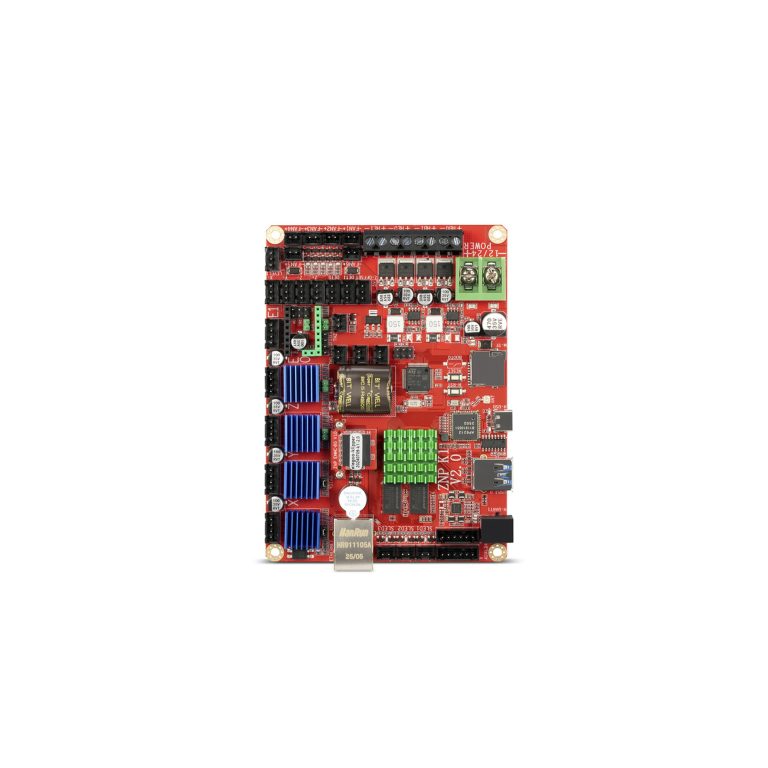
Mainboard Suits Neptune 4 Plus/Neptune 4 Max
Original price was: $477.95.$420.60Current price is: $420.60. incl. gst
 Save 12%
Intel Core i5-14400F 10C/16T (6P+4E Core) CPU LGA1700 No…
Original price was: $419.66.$369.30Current price is: $369.30. incl. gst
Describe it in your own words - we match it to what is in stock at Click IT today.
How it works


