

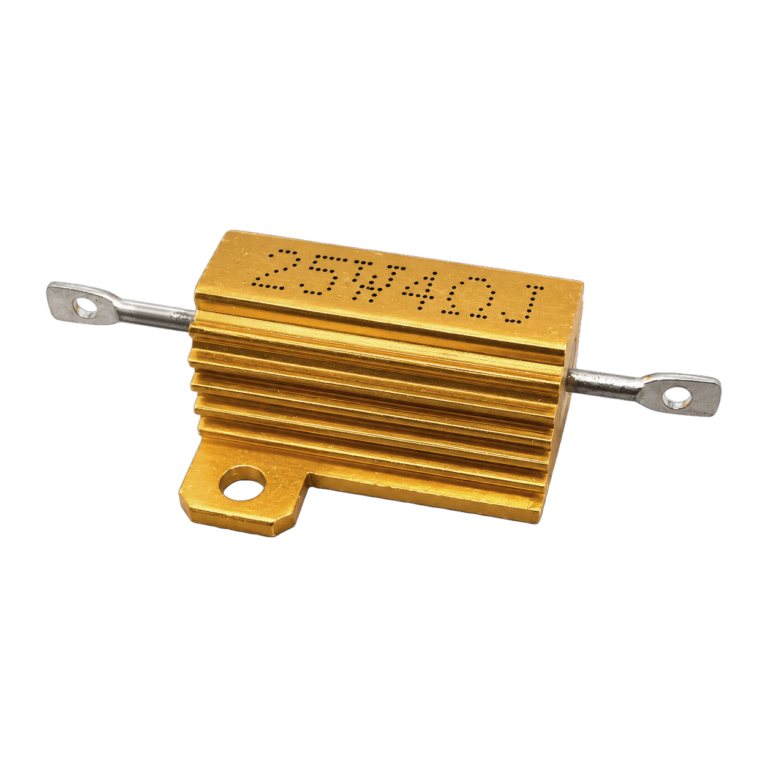
25W 4 Ohm Aluminium Housed Wirewound Resistor - RX24
4 payments of $1.38 with 
Taken from this product's published details. If something is not listed here, it has not been verified.
Answers use this product's information and the store's details. If it cannot be confirmed, it will point you to our team.
Any language. Press Enter to ask
4 payments of $1.38 with
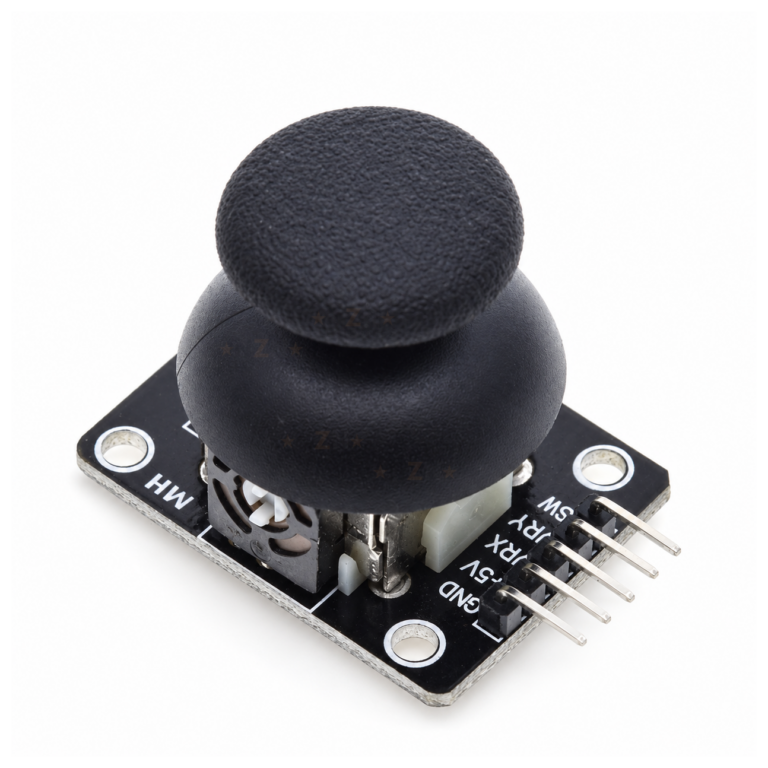
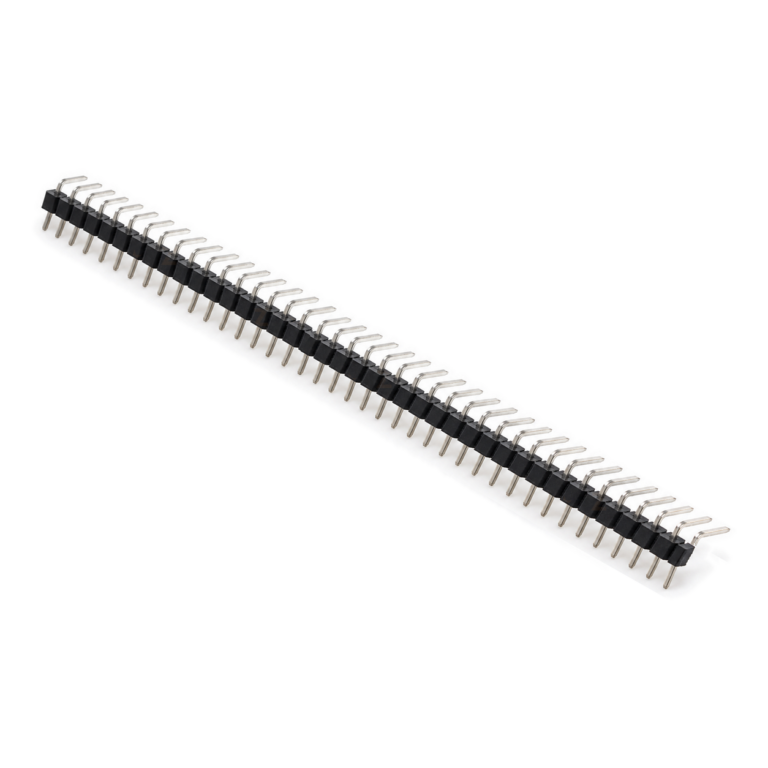
Bundle idea: this item plus 2 recommended accessory/accessories, $12.77 in total. Add each item to the cart below.
4 payments of $0.20 with
4 payments of $0.58 with
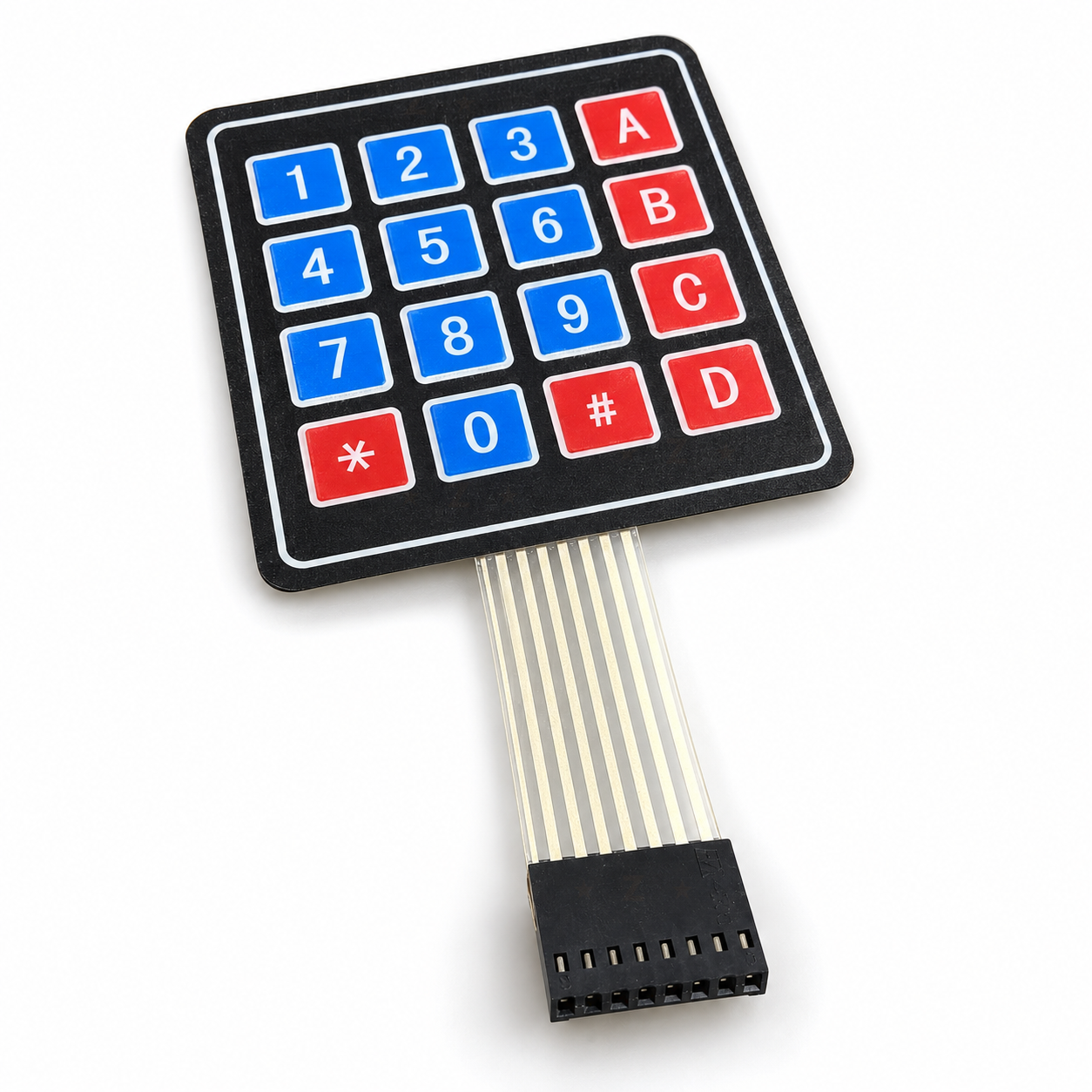
A 4×4 membrane matrix keypad with 16 keys (0 to 9, A to D, * and #) for adding number entry, a PIN code or a simple menu to an Arduino, ESP32 or Raspberry Pi Pico project. It is a passive switch matrix, so it works with both 3.3V and 5V boards, plugs onto male header pins or male jumper wires through its 8-pin 2.54mm connector, and has a peel-off adhesive back for mounting on a box or panel.
With its flat tail and 8-pin connector fitted, adhesive liner on the back.
With the keys facing you and the tail pointing down, pin 1 is the right-hand socket, marked 1 on the connector. Start from that socket and work leftwards: on an Uno or Nano, run keypad pins 1 to 8 to D9, D8, D7, D6, D5, D4, D3 and D2 with male-to-male jumper wires. No resistors or power wires are needed.
In the Arduino IDE, open the Library Manager, search for Keypad and install “Keypad by Mark Stanley, Alexander Brevig”.
Copy the short test sketch from the Quick Start guide above (rowPins {9, 8, 7, 6}, colPins {5, 4, 3, 2}), choose your board and port, and upload. Open the Serial Monitor at 9600 baud: each key you press prints once.
Peel the liner and press the keypad onto a clean, flat surface. Pass the tail through a slot instead of folding it hard at the edge.
Note: On an ESP32, avoid GPIO 34 to 39 (input only, no pull-ups) and the boot pins 0, 2, 12 and 15. Any other eight general pins work.
| CLICK IT SKU | CLICK-IT-545235 |
|---|---|
| Brand | NZN Electronics |
A 4x4 membrane matrix keypad with 16 keys (0 to 9, A to D, * and #) for adding number entry, a PIN code or a simple menu to an Arduino, ESP32 or Raspberry Pi Pico project. It is a passive switch matrix, so it…
Only logged in customers who have purchased this product may leave a review.
Add these products in one go - the total updates as you tick each item.
4 payments of $26.88 with
4 payments of $1,021.32 with

4 payments of $75.96 with

4 payments of $1,339.61 with

4 payments of $1,020.02 with

4 payments of $45.25 with
 Save 12%
Mainboard Suits Neptune 4 Plus/Neptune 4 Max
Original price was: $477.95.$420.60Current price is: $420.60. incl. gst
 Save 12%
Intel Core i5-14400F 10C/16T (6P+4E Core) CPU LGA1700 No…
Original price was: $419.66.$369.30Current price is: $369.30. incl. gst
Describe it in your own words - we match it to what is in stock at Click IT today.
How it works


