AM2120 Temperature and Humidity Sensor – Single-Bus, 3.3V or 5V
AM2120 Temperature and Humidity Sensor – Single-Bus, 3.3V or 5V to Pinterest (opens in a new window)
- Brand ASAIR
Verified specifications
- Brand
- ASAIR
Taken from this product's published details. If something is not listed here, it has not been verified.
Ask AI about this product
Answers use this product's information and the store's details. If it cannot be confirmed, it will point you to our team.
Any language. Press Enter to ask
Frequently bought together

Bundle idea: this item plus 2 recommended accessory/accessories, $21.51 in total. Add each item to the cart below.
Complete your setup
Overview
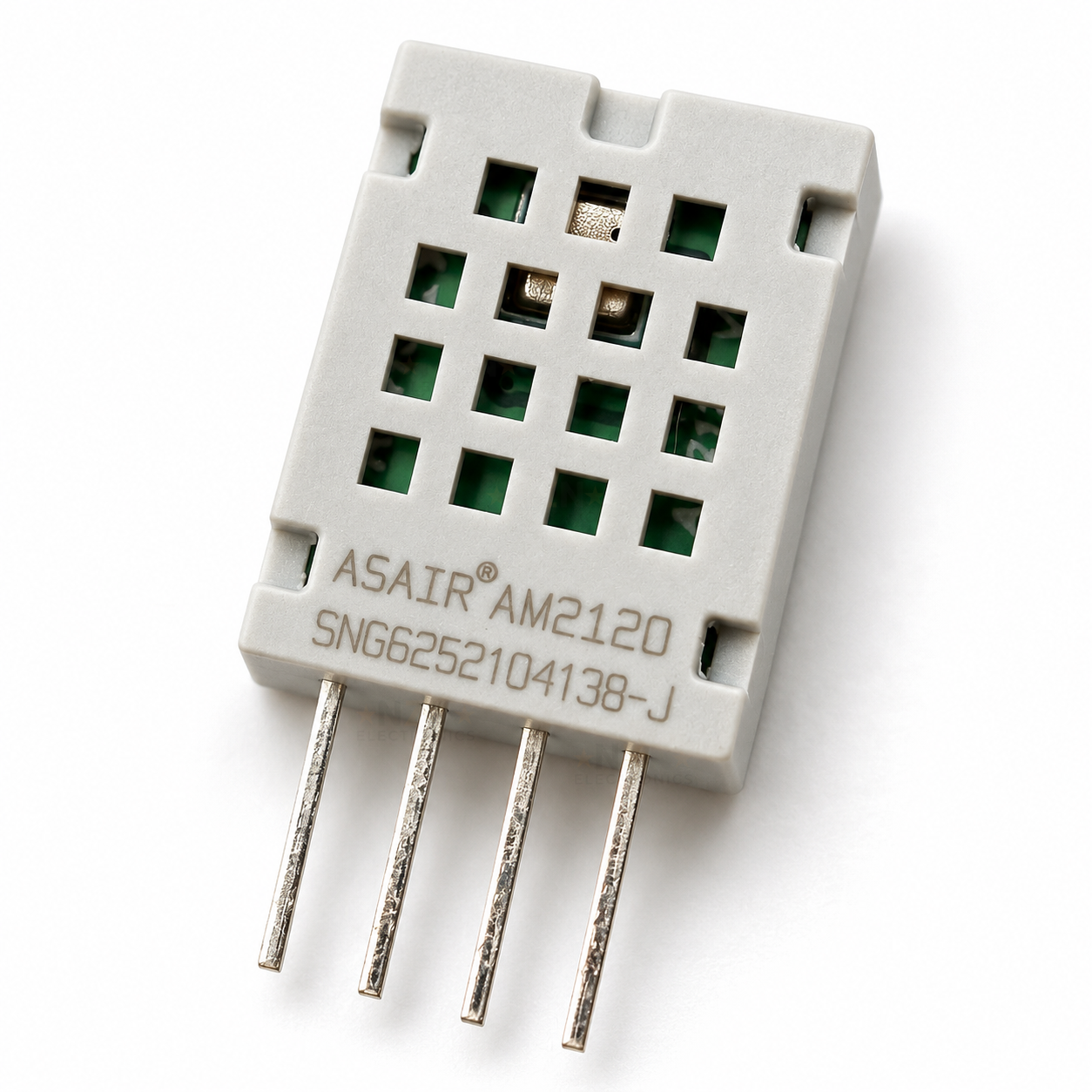
The AM2120 is a small calibrated digital temperature and humidity sensor in a light grey housing with four straight leads at 2.54 mm, so it plugs straight into a breadboard or solders to a PCB. It sends humidity and temperature to one pin on an Arduino, ESP32 or Raspberry Pi Pico over a single data wire, and runs from 3.3V or 5V. Its readings use the same data format as the DHT22, so the usual DHT library reads it with the DHT22 setting. It needs a 4.7k pull-up resistor on the data line. For a lower-cost sensor, our bare DHT11 uses the DHT11 pinout and library setting.
Specifications
SensorAM2120, capacitive humidity plus temperature
InterfaceSingle-bus, one data wire (not I2C)
Pinout1 VDD, 2 data, 3 GND, 4 not connected (vents towards you, leads down)
Supply3.3 to 5.5V, works on 3.3V and 5V boards
Humidity range0 to 99.9% RH (best kept in 0 to 80%)
Humidity accuracy±3% RH typical at 25°C, 20 to 80% RH
Temperature range-40 to 80°C
Temperature accuracy±0.5°C typical
Resolution0.1% RH and 0.1°C
Read intervalOnce every 2 seconds at most
Data lineNeeds a 4.7k pull-up to the supply (not included)
Size12.1 x 15.0 x 4.5 mm, leads 7.7 mm at 2.54 mm pitch
Datasheets
What’s in the box
1×
AM2120 temperature and humidity sensor
Bare sensor in an anti-static bag. The pull-up resistor and wiring are not included.
Great for
Logging room temperature and humidity with an ESP32
Adding a humidity sensor to Home Assistant through ESPHome
Switching a bathroom or grow-tent fan on humidity
Watching damp in a cupboard, garage or caravan
Building a small weather display with an Arduino and OLED
Fitting a humidity sensor to your own PCB
Wiring & getting started
-
Find the pins
Hold the sensor with the vent holes and printing towards you and the leads pointing down. From left to right the pins are 1 VDD, 2 data, 3 GND and 4, which is not connected. GND is pin 3, not pin 4 as on a DHT11, so check the wiring before fitting it to a DHT11 footprint.
-
Power it from your board’s logic voltage
Connect pin 1 to 5V on an Arduino Uno or Nano, or to 3.3V on an ESP32 or Pico, and pin 3 to GND. On 3.3V keep the wires under about 1 m.
-
Add the 4.7k pull-up
Fit a 4.7k resistor between pin 2 and pin 1, then connect pin 2 to a digital pin, such as D2 on an Arduino or GPIO4 on an ESP32. Leave pin 4 unconnected. If you would rather have the resistor already fitted, our DHT22 / AM2302 sensor module comes on a small board with the pull-up and labelled pins.
-
Read it
In the Arduino IDE install the DHT sensor library and set the sensor type to DHT22, not DHT11. In ESPHome use the dht platform with model AM2120. Read no more often than every 2 seconds, and wait 2 seconds after power-up for the first reading.
Note: Mount the sensor away from voltage regulators and other warm parts, which push the temperature up and the humidity down. Keep it out of condensation, direct sun and solvent fumes; glue, tape and fresh paint nearby can make humidity read high for a while.
Specification
| CLICK IT SKU | CLICK-IT-141715 |
|---|---|
| Brand | ASAIR |
Features
The AM2120 is a small calibrated digital temperature and humidity sensor in a light grey housing with four straight leads at 2.54 mm, so it plugs straight into a breadboard or solders to a PCB. It sends humidity and temperature to one pin on an…
- Brand ASAIR
Reviews
Do you own this product?
Only logged in customers who have purchased this product may leave a review.
Combo deals: buy together and save!
Add these products in one go - the total updates as you tick each item.
Related products
-
4%off RRP

SilverStone Fara H1M mATX Case - Glass Window + ARGB fans
$125.29 incl. gst4 payments of $31.32 with
Add to cart
-
20%off RRP

ZB8G2a 16 AI R7-450 TS 32G 1T W11P
$5,564.74 incl. gst4 payments of $1,391.19 with
Add to cart -
1%off RRP
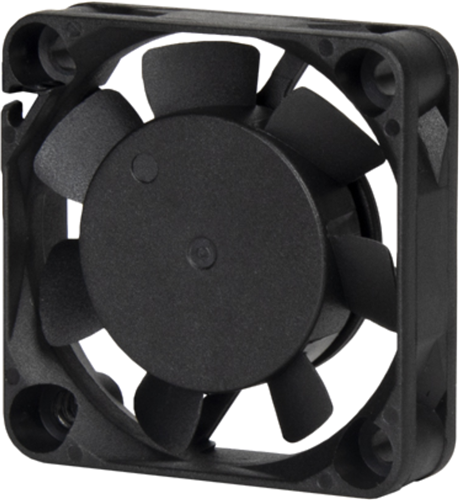
SilverStone FTF 4010 40mm Tiny Form Factor Fan
$21.71 incl. gst4 payments of $5.43 with
Add to cart -
45%off RRP
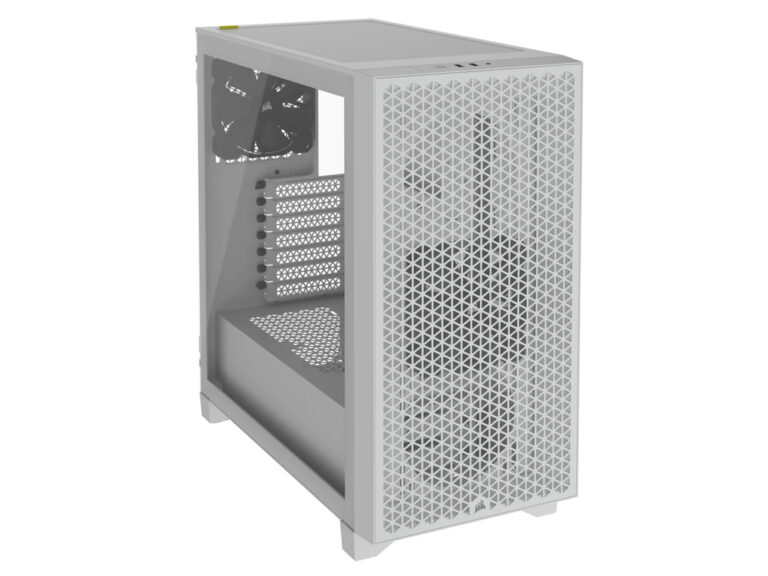
CORSAIR 3000D AIRFLOW TEMPERED GLASS MID-TOWER - WHITE
$107.53 incl. gst4 payments of $26.88 with
Add to cart -

Histone HK568 MSR
$181.00 incl. gst4 payments of $45.25 with
Add to cart -
9%off RRP

ZALMAN ZM-AF120 REVERSE ARGB WHITE
$18.04 incl. gst4 payments of $4.51 with
Add to cart


Related Promotions
-
 Save 12%
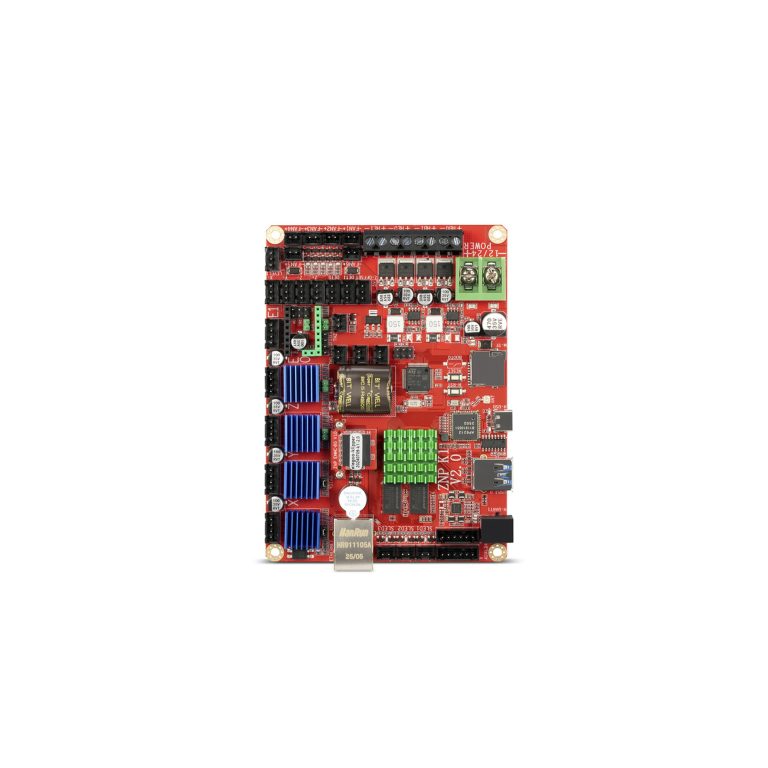
Mainboard Suits Neptune 4 Plus/Neptune 4 Max
Original price was: $477.95.$420.60Current price is: $420.60. incl. gst
-
 Save 12%
Intel Core i5-14400F 10C/16T (6P+4E Core) CPU LGA1700 No…
Original price was: $419.66.$369.30Current price is: $369.30. incl. gst